Tutorial: EHANDBOOK Container-Build and EHANDBOOK-NAVIGATOR Installation
Installation
| This installation section applies to the ASCET 6, Simulink, C-Code, and AUTOSAR (Classic) tutorials. It does not apply to the ASCET-DEVELOPER tutorial. |
Prerequisites
To install and use the EHANDBOOK tools, you need:
-
A PC or laptop running Microsoft Windows 11.
-
Administrator rights to install the tools and license keys.
-
Valid ETAS license keys. If you do not have license keys, contact your local ETAS sales office.
For trial purposes, you can obtain a time-limited evaluation license.
Install EHANDBOOK Container-Build
For this tutorial, use the Directory-based EHANDBOOK Container-Build tool chain. Download the latest version from the ETAS Download Center.
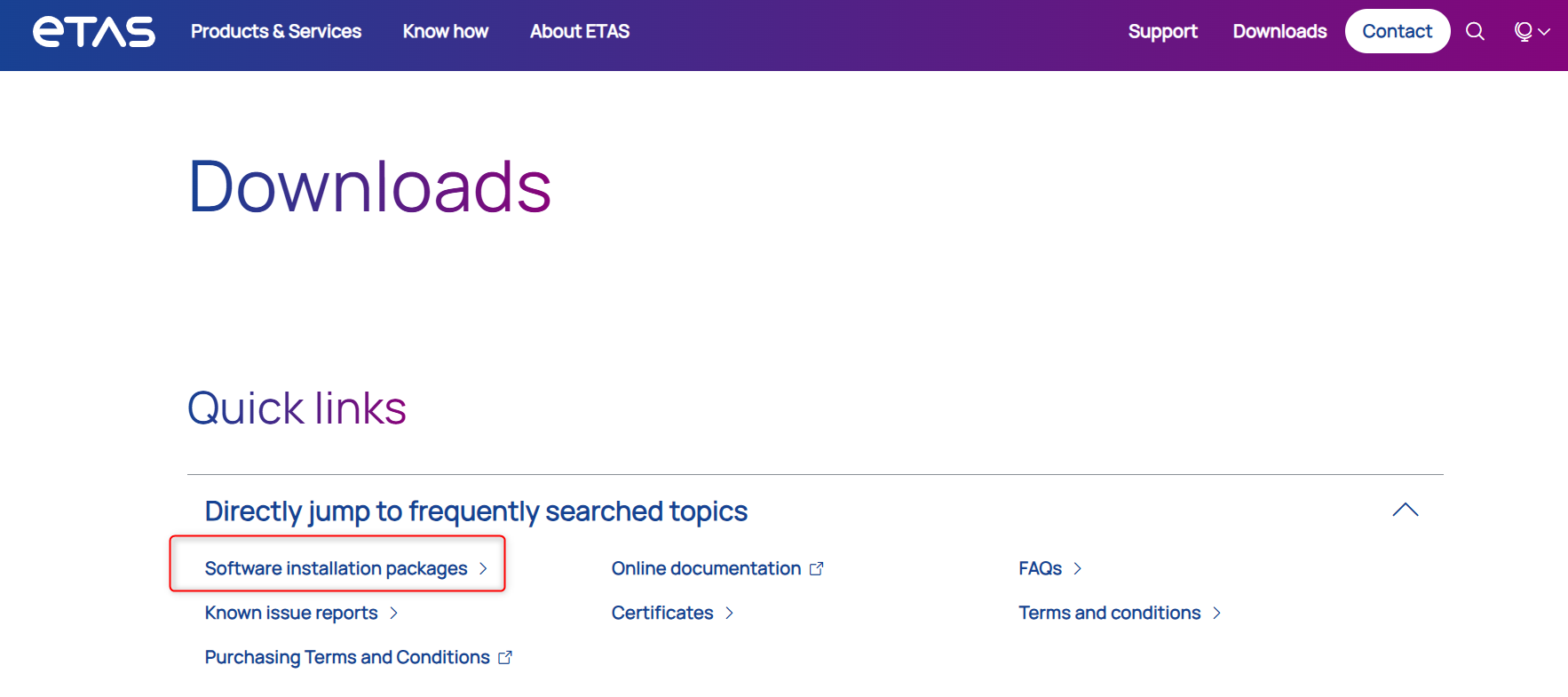
Under Quick links, select Software installation packages.
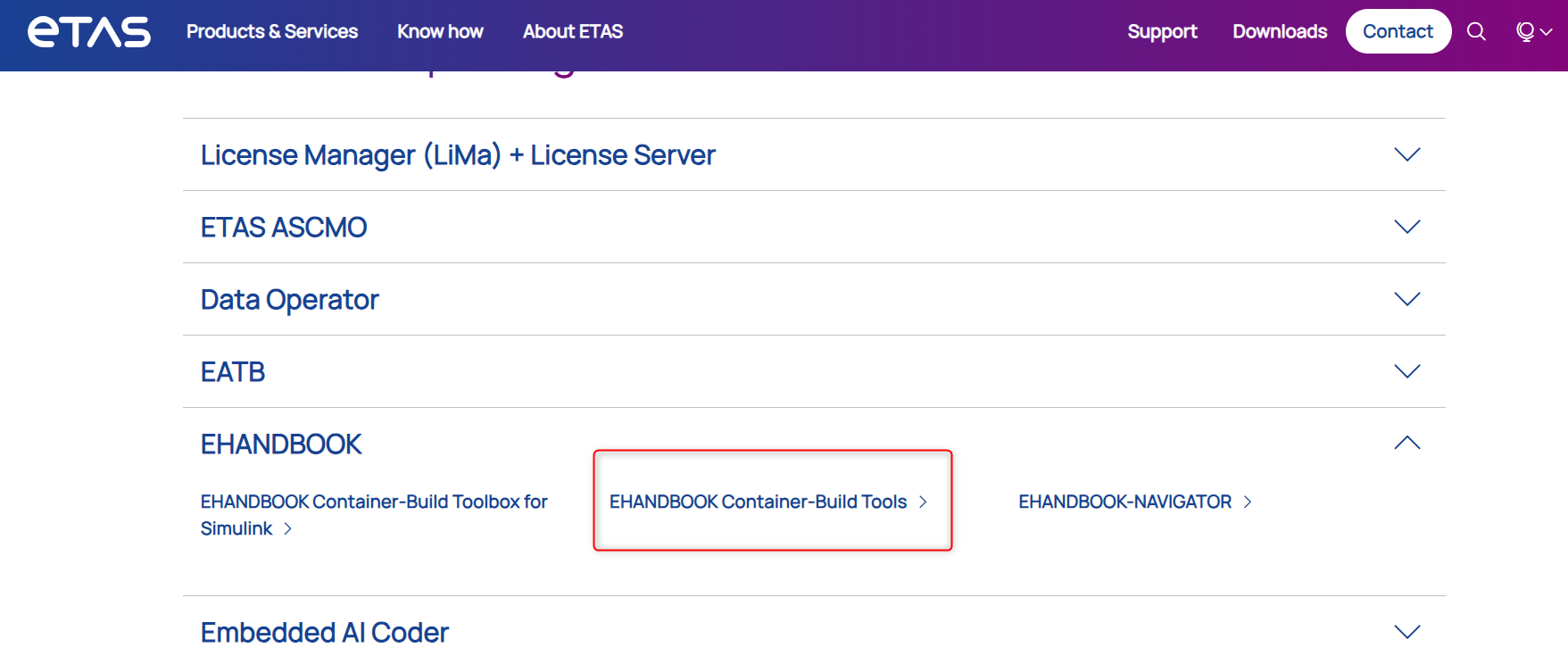
Expand the EHANDBOOK section and select EHANDBOOK Container-Build Tools.
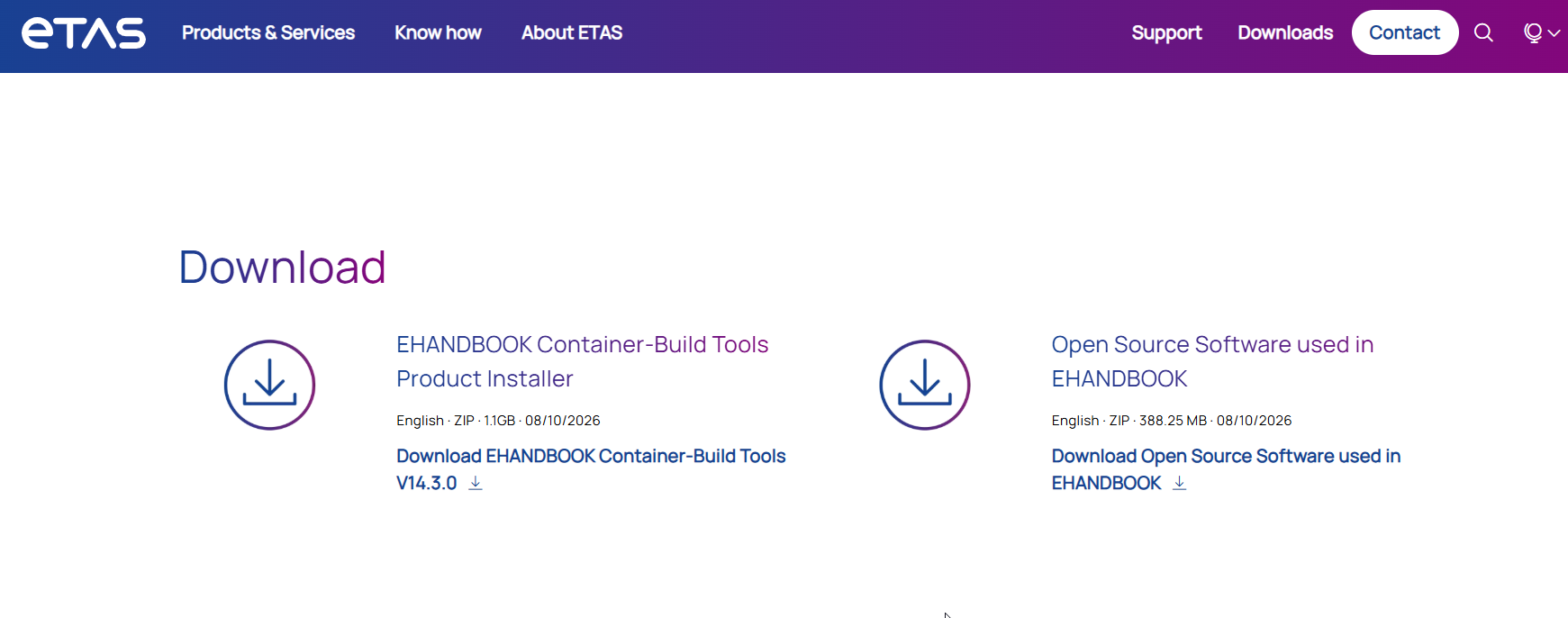
On the download page, download the latest EHANDBOOK Container-Build Tools package.
Install EHANDBOOK-NAVIGATOR
To explore the generated EHANDBOOK Container, install EHANDBOOK-NAVIGATOR. Follow the instructions in the EHANDBOOK-NAVIGATOR Free Trial Version guide to download the EHANDBOOK-NAVIGATOR software.