Demo: EHANDBOOK Container-Build Toolbox for Simulink
The official demo for the EHANDBOOK Container-Build Toolbox for Simulink is available in the EHANDBOOK Container-Build demos repository:
This is currently the only official demo available for the toolbox. It serves as a reference implementation for using the toolbox to generate EHANDBOOK containers from Simulink models.
What’s included
The Demo_EHBCB_AddOn_SL_Toolbox demo contains:
-
Three example Simulink models: Each model represents an individual ECU function, demonstrating how the toolbox handles multiple functions
-
Simulink library: A shared library used across all three models, showing how the toolbox supports Simulink libraries
-
Documentation: Complete README with step-by-step instructions for using the toolbox with these models
-
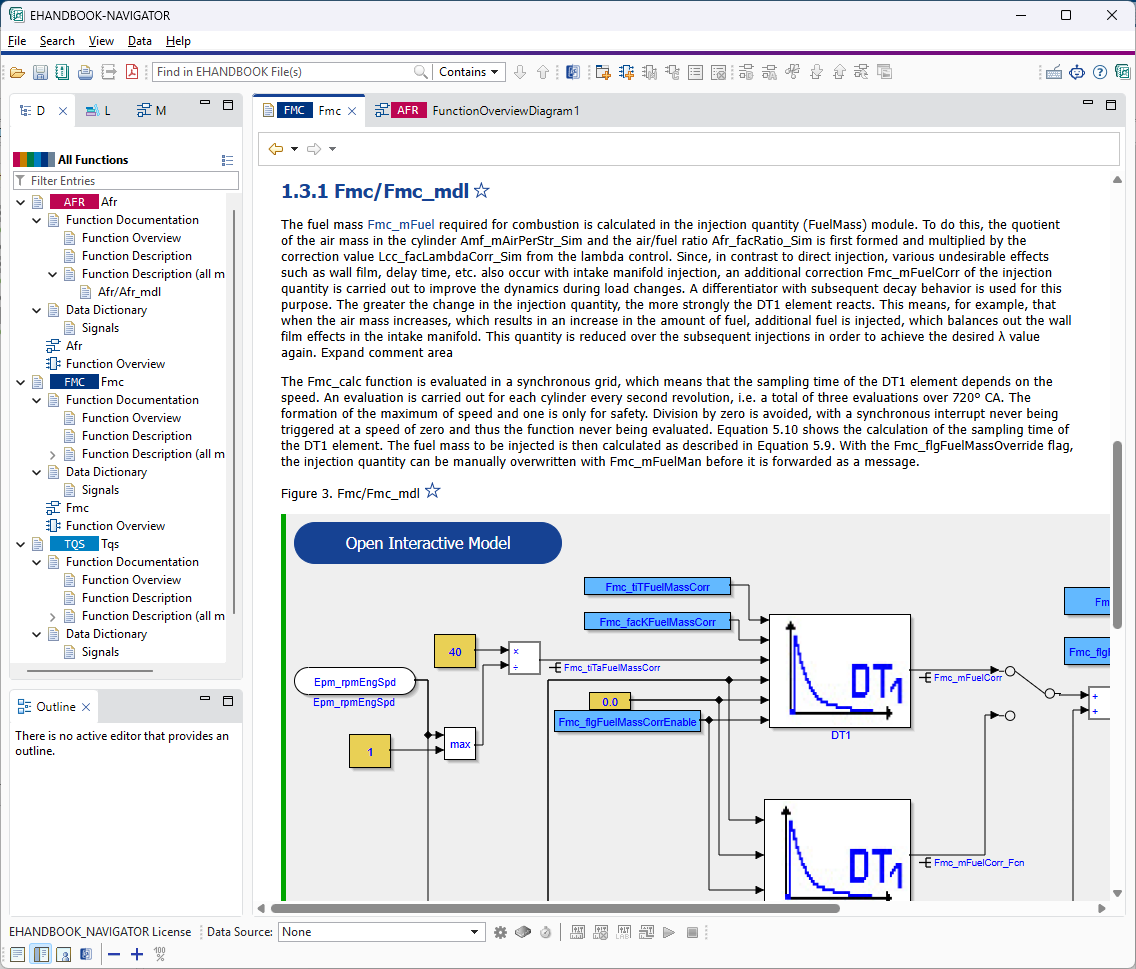
Pre-built containers: Generated
.ehbfiles for immediate exploration in EHANDBOOK-NAVIGATOR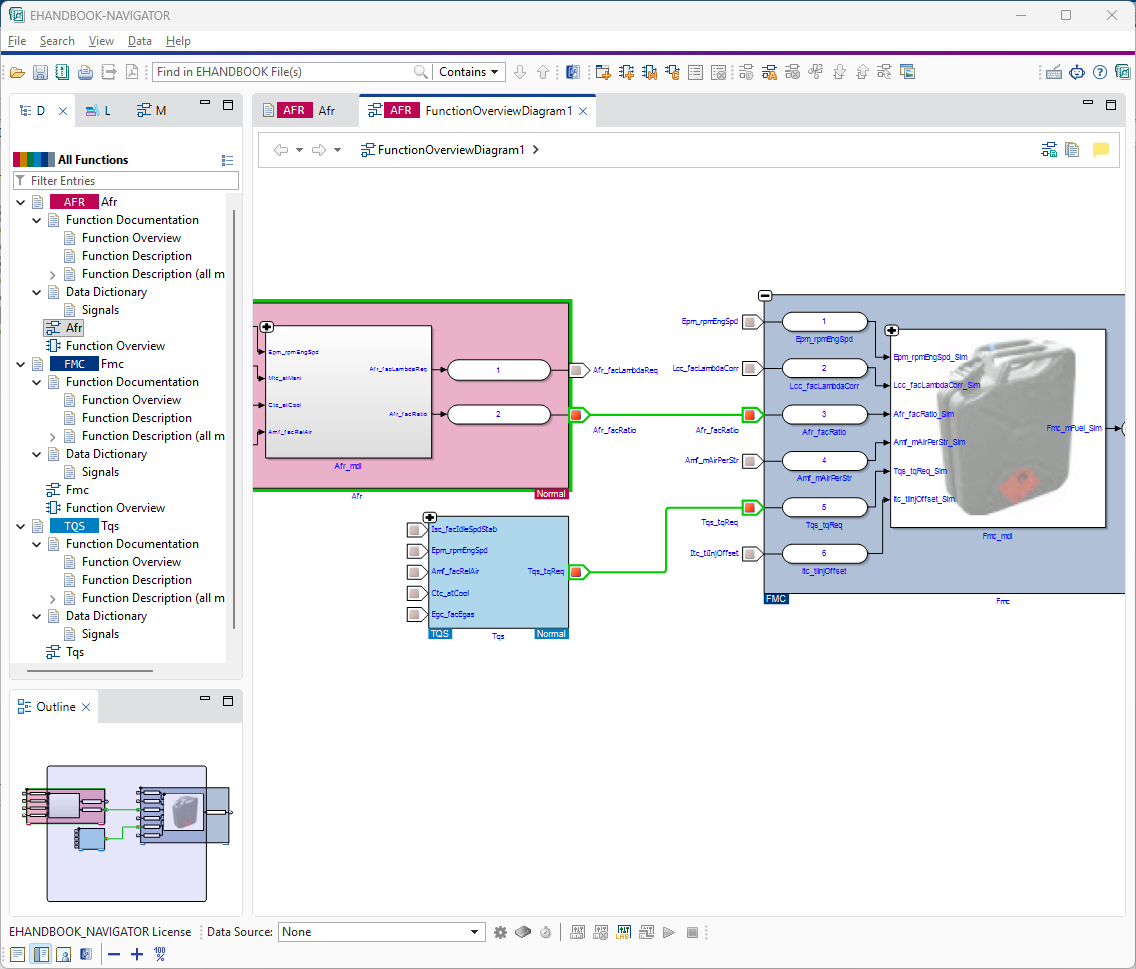
Key features demonstrated
The demo illustrates:
-
Generating EHANDBOOK containers directly from Simulink models using the toolbox
-
Working with shared Simulink libraries in your models
-
Handling multi-function ECU projects with the toolbox
-
Integration with EHANDBOOK-NAVIGATOR for exploring generated containers
Prerequisites
Before running the demo, make sure you have:
-
EHANDBOOK Container-Build Toolbox for Simulink installed
-
EHANDBOOK-NAVIGATOR installed
-
MATLAB/Simulink (R2021a or later) - optional, for regenerating containers
-
Git - for cloning the repository
| ETAS offers time-limited evaluations for EHANDBOOK products via license.etas.com. |
Getting started with the demo
Clone the repository
git clone https://github.com/EHANDBOOK/ehandbook-cb-demos.git
cd ehandbook-cb-demos/Demo_EHBCB_AddOn_SL_ToolboxAdditional EHB-CB Demos
The repository contains 30+ additional demos for the EHANDBOOK Container-Build framework covering various scenarios and technologies. For information about these demos and other EHB-CB documentation, see:
These cover mixed-model integration, C-Code workflows, AUTOSAR, ASAM-based approaches, and other advanced scenarios beyond the Toolbox for Simulink.