Demos
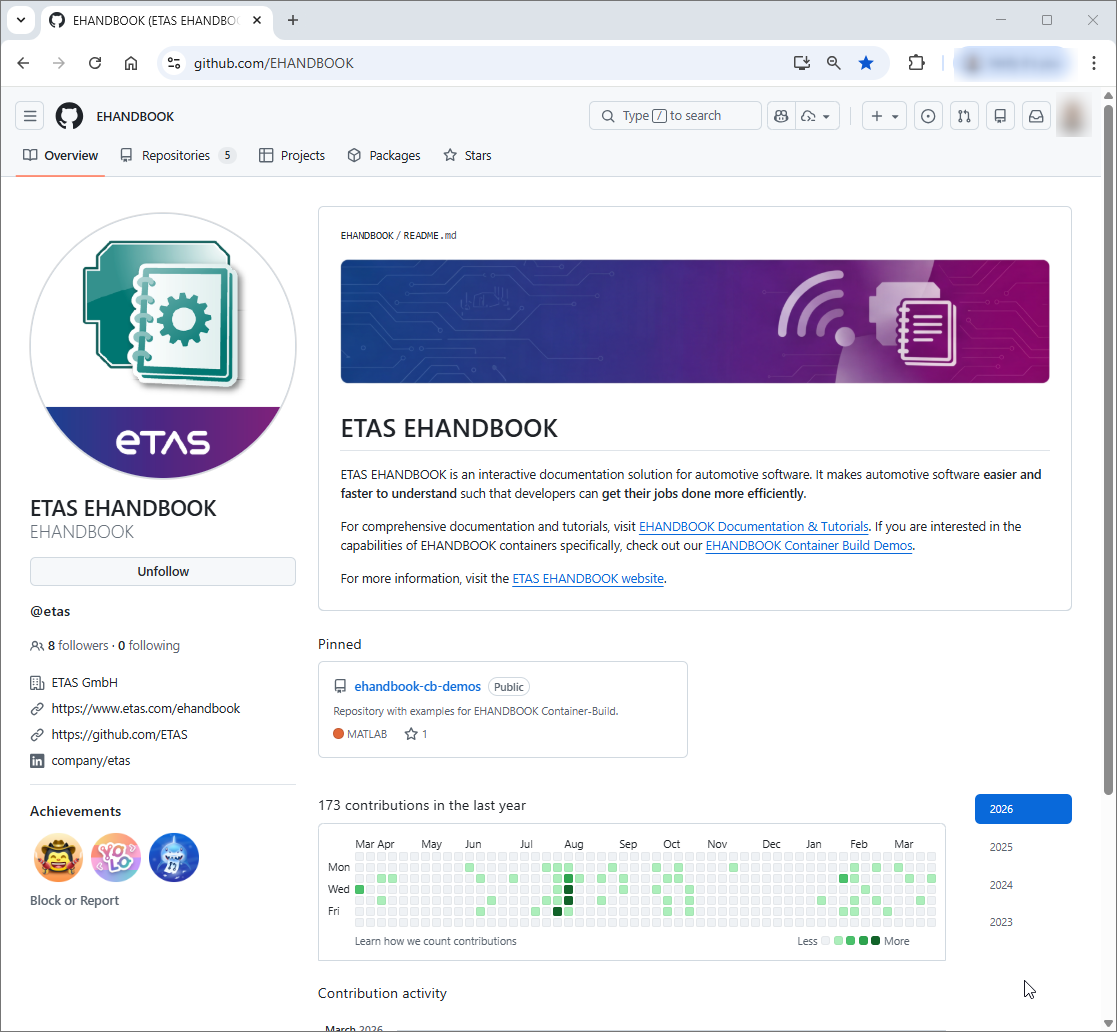
The EHANDBOOK Container-Build demo projects are available in our public GitHub repository:
The demos show how to generate EHANDBOOK containers from different source formats and project constellations, for example Simulink, C-Code, AUTOSAR, ASCET, and mixed-model setups.
Use the demos to:
-
learn EHB-CB project structures
-
understand configuration patterns for common use cases
-
evaluate features with ready-to-run examples
-
start quickly from a working baseline and adapt it to your own project
What each demo contains
Each demo is self-contained and typically includes:
-
README.mdwith scenario description, key features, and step-by-step instructions -
build.batto run the demo build -
Input/with demo-specific source files and configurations -
Output/with pre-built.ehboutput for immediate exploration in EHANDBOOK-NAVIGATOR
What you need
Before running demo builds, make sure you have:
-
EHANDBOOK Container-Build tools (latest version recommended)
-
EHANDBOOK-NAVIGATOR (latest version recommended)
-
Git
-
optionally: MATLAB/Simulink (R2021a or later) for Simulink-based demos
| ETAS offers time-limited evaluations for EHANDBOOK products via license.etas.com. |
Getting started
Clone the repository:
git clone https://github.com/EHANDBOOK/ehandbook-cb-demos.git
cd ehandbook-cb-demos
Then:
-
Adapt
set_tool_paths.batto your local tool installation paths. -
Open one demo directory.
-
Run
build.bat. -
Open the generated
.ehbfrom the demo’sOutput/folder in EHANDBOOK-NAVIGATOR.
Demo scope overview
The repository contains 30+ demos, grouped by technology and use case, including:
-
mixed-model integration (for example ASCET + Simulink + C-Code)
-
Simulink-focused workflows
-
C-Code documentation scenarios
-
AUTOSAR Classic architecture documentation
-
ASAM-based workflows
-
AsciiDoc/customization and localization examples
-
add-on toolbox integrations
For the complete and current list, see the repository overview in: