How to Export Bookmarks and Model Views
Procedure
To export bookmarks/model views from Library view:
-
Select the Bookmark/model view or the folder you want to export.
-
Click
Export Bookmarks and Model Views from library fileicon present in theLibraryview.
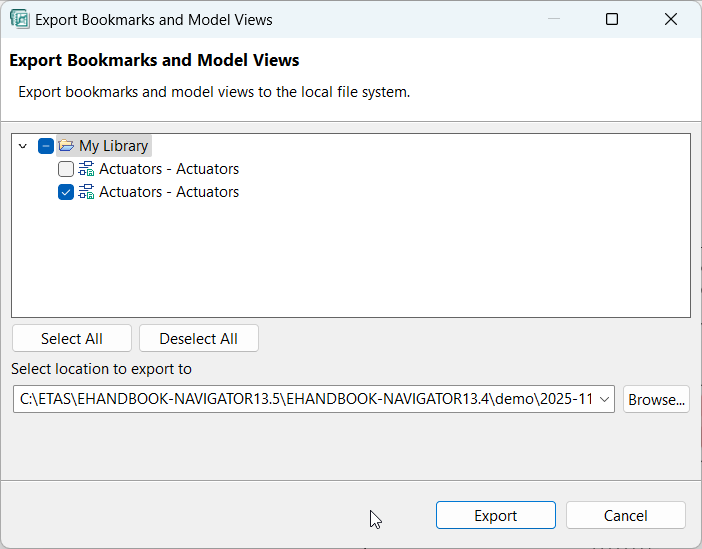
Export Bookmarks and Model Viewswindow is displayed.
<Or> -
From the
Filemenu, selectExport.
Exportwindow is displayed. -
Select
Bookmarks and Model Viewsfrom theEHANDBOOKfolder and then clickNext.
Export Bookmarks and Model Viewswindow is displayed.
-
Click
Browseand select the location for exporting the library file. -
Select or clear the Bookmarks/model views or Library folder as required.
-
Click
Finish.The library file (*.ehblib) is exported to the selected location.