How to Interpret Bookmark and Model View Validity
Procedure
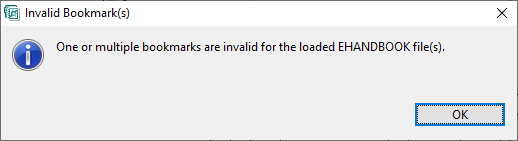
My Library folder displays all the bookmarks/model views created. This includes valid and invalid bookmarks. Valid bookmarks are highlighted and invalid bookmarks are grayed out. Clicking on the invalid bookmark displays the following error message.
Valid,Partially Valid or Invalid Model Views
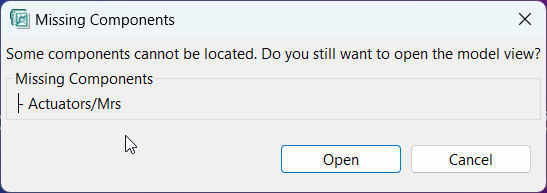
Valid model views are highlighted and partially valid and invalid model views are grayed out.The partially valid model views have a warning icon attached. Clicking on the partially valid model view displays the following error message. A partially valid model view can be opened,which will render the model with the available components.